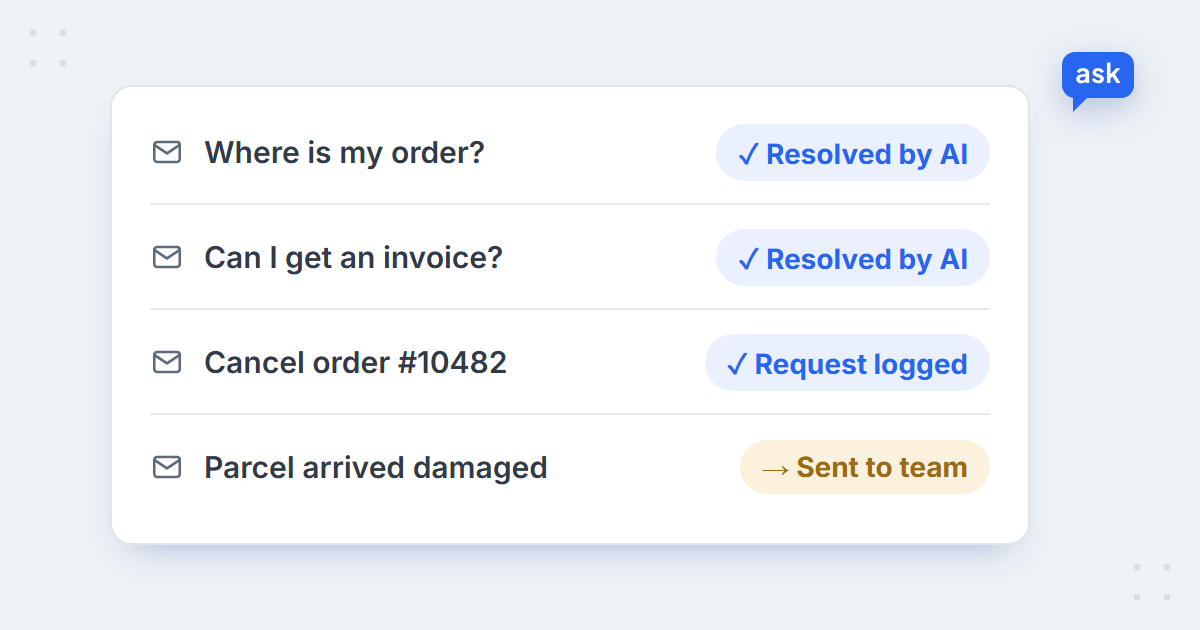
Key takeaways
- Customer service automation is more than a chatbot: automatic messages, self-service, helpdesk rules, AI answers and AI actions all count.
- Start with what comes in most often, always gets the same answer and costs little if it goes wrong – usually order status, invoices and delivery questions.
- How much of an inbox can be automated depends on what’s in it: queues full of delivery logistics automate far better than queues full of judgement calls.
- Good automation finishes the job – it cancels, routes or tags – and hands everything else to a person with the context attached.
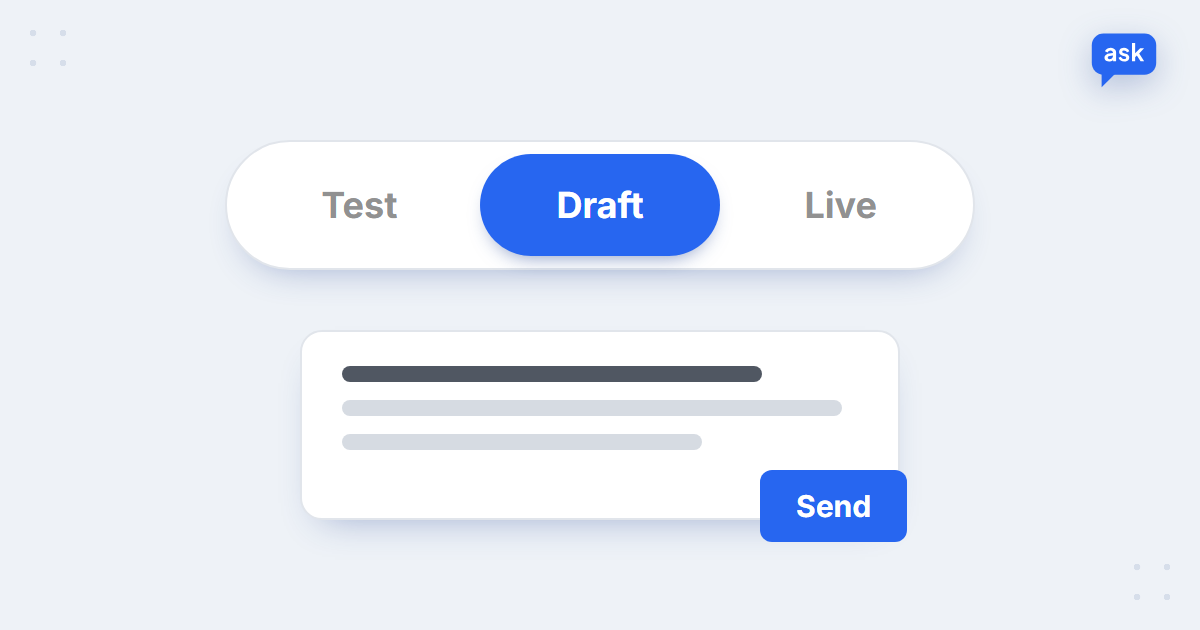
- Roll it out in draft mode first, then let it answer on its own topic by topic.
What is customer service automation?
Customer service automation means letting software handle parts of customer service that would otherwise need a person – answering a question, sending an update, sorting a ticket or carrying out a request. In an online store it ranges from a shipping notification to an AI agent that reads a support email, checks the order and resolves it. It helps to think of it in five levels:
| Level | What it does | Example in an online store |
|---|---|---|
| 1. Automatic messages | Sends updates without being asked | Order confirmation, shipping and delivery notifications |
| 2. Self-service | Lets customers find the answer themselves | FAQ page, order tracking page, returns portal |
| 3. Helpdesk rules | Sorts and routes tickets by fixed rules | Auto-tags, routing to the right queue, auto-replies |
| 4. AI answers | Understands the question and replies in context | An AI agent answers order, product and policy questions in chat and email |
| 5. AI actions | Completes the request, not just the reply | Records a cancellation, changes a ticket status, routes a damage claim |
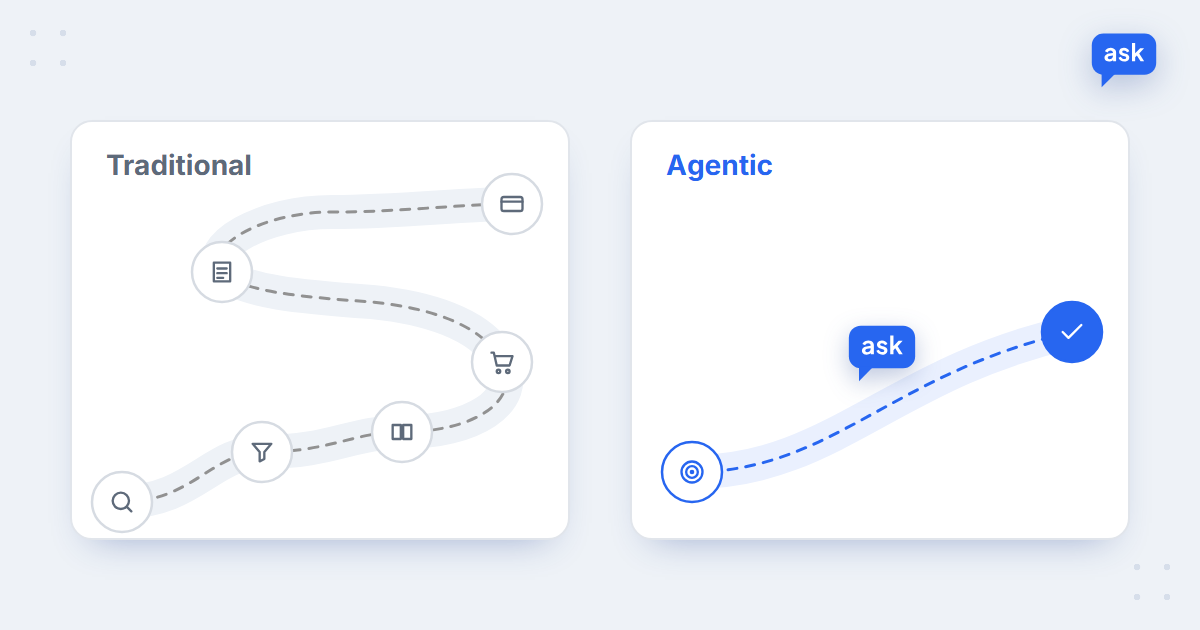
Levels 1–3 are the basics most stores already have. The bigger gain is at levels 4 and 5, where an AI agent for the support inbox reads each email, pulls the order data and either resolves it or prepares it for your team – the part of the job that used to need a person reading every message.
Customer support automation vs customer experience automation
You’ll see three names for overlapping things. Customer support automation is the same job as customer service automation, usually with the focus on the inbox – order questions, returns, complaints, the requests that come in after a purchase. Customer experience automation (CX automation) is wider: it covers the whole journey, from the first product question on the website to the delivery update and the satisfaction survey afterwards.
In an online store the difference is practical. Support automation saves your team time on tickets; CX automation also helps before the purchase – an AI chat agent that answers product questions on the product page, a proactive message when a search comes back empty, and a CSAT survey that tells you how it went. The rest of this guide focuses on the support side, where most of the repetitive work is.
What an online store can automate
Start from what customers actually write about. Across the online stores in our AI chatbot statistics, the support inbox is mostly about orders that have already been placed, while chat is mostly about choosing a product:
66%
of support emails are about orders already placed
AskSpot Internal Data
33%
of support emails resolved by AI on the median store
AskSpot Internal Data
77%
of chats resolved by AI with no human on the median store
AskSpot Internal Data
The gap between email and chat is the point: chat questions are mostly about products, which an AI agent answers from the catalogue, while emails are about specific orders, where more cases need a decision. Among support emails, complaints (9%), returns (8%), order status (7%), invoices (6%), cancellations (5%) and courier problems (5%) lead the list. Each of them can be automated to a different degree:
| Request | What to automate | What stays with a person |
|---|---|---|
| Order status | The full answer: status, courier, tracking number | Lost parcels and claims with the courier |
| Invoices | Sending a copy, explaining how to get one | Corrections to company details or VAT |
| Cancellations and changes | Collecting the details and recording the request | Orders already packed or shipped |
| Returns | The policy, the steps, the label or the form | Exceptions to the policy |
| Courier problems | Checking the tracking, tagging and routing | Agreeing compensation |
| Complaints | Acknowledging fast, sorting by type, drafting a reply | Decisions on refunds and goodwill |
What we’ve learned from stores that automate their inbox
Six of the stores in our published case studies run their support inbox through the AskSpot Inbox Agent. The share of tickets resolved by AI ranges from about a fifth to over three quarters – and the reason is visible in what’s in each queue:
| Store | What the queue is about | Resolved by AI | What goes to people |
|---|---|---|---|
| Meblobranie (garden furniture) | Delivery logistics: dates, number of parcels, changes, invoices | 77% | Complaints and judgement calls |
| Mamabrum (children’s products) | Order status, invoices, returns, missing parts – in 20 languages | 51% | Damage and faults |
| KODANO (eyewear) | Delivery, salon collection, invoices, returns | 45% | Wrong prescriptions and refunds |
| Morele.net (electronics) | Allegro buyers asking about listings | 38% | The rest, triaged to the team |
| 4FIZJO (fitness and physio) | Email, contact forms and Allegro messages | 25% | Heavier post-sale cases |
| SFD (supplements) | Order status, delivery chases, returns, complaints | 21% | Anything needing a judgement call |
Three patterns repeat across all six:
- The queue decides the share, not the tool. Meblobranie’s garden sets ship in several boxes, so most emails are delivery questions with a clear answer – and 77% are resolved by AI. Where more emails need a decision, the share is lower. Both are good results: the goal is that every routine ticket is handled, not that a number looks big.
- The same core automates everywhere. Delivery status, invoices, order details and recording cancellations are handled end to end in every one of these stores. That is the safe place to start.
- The same cases stay with people everywhere. Damage, faults, refunds, wrong prescriptions, health questions and complaints are triaged and routed to the team with the thread attached. Automation doesn’t remove these – it makes sure they arrive sorted, so a person starts with the facts.
Don’t compare your automation rate with another store’s. Compare it with your own queue: how many of your emails have one correct answer that doesn’t need a decision? That’s your ceiling.
Languages turn out not to be a barrier. Mamabrum sells in more than 20 European markets and answers customers in their own language with one team – the inbox automation works the same in every market. Marketplaces behave differently again: on Morele.net’s Allegro listings, buyers ask about the product before buying, which the agent answers from the same catalogue as the store.
How to decide what to automate first
For each type of request in your inbox, ask three questions:
- How often does it come in? Automating something that arrives ten times a month saves little.
- Is the answer the same every time? If the reply depends on data you have – the order, the policy, the catalogue – it can be automated. If it depends on someone’s judgement, it can only be prepared.
- What does a wrong answer cost? A wrong delivery date is annoying; a wrong refund decision costs money and trust.
| Request | Frequent? | Same answer? | Cost of a mistake | Verdict |
|---|---|---|---|---|
| Order status | Yes | Yes | Low | Automate fully |
| Invoice copy | Yes | Yes | Low | Automate fully |
| Return steps | Yes | Mostly | Low | Automate, route exceptions |
| Cancellation | Medium | Mostly | Medium | Automate the request, team confirms |
| Complaint | Yes | No | High | Draft and route to a person |
6 customer service automation workflows for an online store
Each workflow has the same shape: a trigger, an action, and a clear handoff when the case needs a person. In AskSpot they are set up as plain-language scenarios and inbox rules – see actions and automations.
1. Order status
Trigger: “Where is my order?” in chat or email. Action: verify the customer with the order number and email, look up the order, reply with status, courier and tracking number. Handoff: parcels stuck for days or marked as lost go to the team. More in how AI answers “where is my order?”.
2. Return request
Trigger: “How do I return this?” Action: check the order date against the return window, explain the steps and send the form or label link. Handoff: requests outside the policy or for used items go to a person.
3. Cancellation or order change
Trigger: “I need to cancel my order” or “can I change the size?”. Action: collect the order number and what should change, record the request and pass it on for processing – or cancel directly where the store has enabled that. Handoff: orders that are already packed or shipped go to the team.
 spot
See your own workflows automated
Book a short demo – we’ll set up a scenario from your playbook and show the Inbox Agent resolving and routing your tickets.
4. Invoice copy
Trigger: “Can you send me the invoice?” Action: verify the order and explain how to get the invoice or where it was sent. Handoff: corrections to company details or tax numbers go to accounting.
5. Courier problem
Trigger: “The parcel arrived damaged” or “the courier never came”. Action: acknowledge right away, tag the ticket by type, set its priority and route it to the right queue. Handoff: the team decides on replacement or compensation – with the order and the customer’s message already attached.
6. Spam and noise
Trigger: sales pitches, automatic notifications and other mail that isn’t from a customer. Action: filter it out of the queue automatically. Handoff: none – your team simply never sees it.
How to roll out automation without losing customers
Automation fails when customers feel trapped by it. A careful rollout avoids that:
- Start in draft mode. The AI writes every reply and your team checks and sends it. You see exactly how it answers before any customer does – see test and draft modes.
- Switch on one topic at a time. Let it answer order status on its own first, then invoices, then returns. Keep complaints in draft mode as long as you like.
- Always offer a way to a person. When a case needs one, the agent hands it over with a summary, so the customer doesn’t have to explain it again.
- Answer in the customer’s language. If you sell abroad, automation is often the first time those customers get an answer in their own language at all – see multilingual support.
What to measure
Three numbers tell you whether automation is working: the share of tickets actually resolved – not just answered – which we explain in deflection vs resolution rate; customer satisfaction with automated answers, covered in our guide to CSAT surveys; and how often the same customer writes again about the same issue. If resolution rises while satisfaction holds and repeat contacts fall, the automation is doing its job.
Choosing customer service automation software
Most helpdesks offer rules and macros; fewer can read an email, check the order and act on it. When you compare customer service automation software for an online store, check that it:
- connects to your store platform and your helpdesk or marketplace inbox, not just a chat widget;
- reads order data, so it can answer about a specific order rather than in general;
- takes actions – records requests, tags, routes, changes ticket status – not only replies;
- has a draft mode, so you can check its answers before customers see them;
- answers in your customers’ languages and hands over to a person cleanly;
- is priced in a way that fits your volume – per conversation or per seat changes the maths a lot.
For a fuller buying guide, see the section on choosing a tool in our AI customer service for e-commerce guide. If you’re weighing automation against hiring outside help, our comparison of outsourcing customer support vs an AI agent runs the numbers.
FAQ
What is customer service automation?
Customer service automation is using software to handle parts of customer service that would otherwise need a person: sending updates, answering questions, sorting and routing tickets, and carrying out requests such as recording a cancellation. In an online store it ranges from shipping notifications to AI agents that resolve support emails.
What should an online store automate first?
Requests that come in often, always get the same answer and cost little if something goes wrong: order status, invoice copies, delivery and return questions. Complaints and refund decisions should be prepared by automation but decided by people.
Does automation make customer service feel impersonal?
Not if it’s done well. Customers mostly want a fast, correct answer – an instant reply with their tracking number feels better than a friendly one the next morning. What matters is that they can always reach a person when they need one, without repeating themselves.
What is the difference between automation and AI in customer service?
Rule-based automation follows fixed instructions – if a ticket contains “invoice”, tag it. AI understands the question in any wording and language, uses order and product data to answer, and can carry out requests. Most stores use both: rules for routing, AI for the answers.
How much of customer service can be automated?
It depends on what customers write about. On the median store in our data, AI resolves 77% of chats and 33% of support emails; in our published case studies the share of inbox tickets resolved by AI ranges from 21% to 77%, depending on how many emails need a decision.
What is customer experience automation?
Customer experience (CX) automation uses software and AI across the whole customer journey, not only the support inbox: answering product questions before a purchase, sending order updates, handling returns and asking for feedback afterwards. Customer support automation is the after-purchase part of it.
Automation is one part of running customer service with AI. For the bigger picture – what an AI agent changes, what it costs and how to choose one – read our guide to AI customer service for e-commerce.