Key takeaways
- Proactive customer service offers help before the customer asks; reactive service waits for the question.
- In an online store, the biggest moments are before the purchase: hesitation, a failed search, an out-of-stock page, the cart.
- After the purchase, proactive updates about shipping and delays prevent “where is my order?” tickets.
- Proactive help only works if someone can answer – which is why it pairs with an AI agent that’s there at any hour.
- One relevant message per page beats a pop-up on every page.
What is proactive customer service?
Proactive customer service means reaching out to customers with help or information before they ask for it – at the moment you can predict they’ll need it. Reactive customer service waits for the customer to get in touch. Both are needed; the difference is who starts the conversation, and when.
| Reactive customer service | Proactive customer service | |
|---|---|---|
| Who starts | The customer | The store |
| When | After a problem or question appears | Before it does – at a predictable moment |
| Examples | Answering “where is my order?”, handling a return | A delay notice before the customer asks, help offered on a product page |
| What it costs to skip | Slow answers, frustrated customers | Shoppers who leave without asking, tickets you could have prevented |
Why proactive service matters in an online store
In a physical store, a salesperson sees the customer hesitate. Online, hesitation is invisible – and a shopper who doesn’t find an answer just opens another tab. When shoppers do ask, most of their questions come before the purchase: on the median store AskSpot runs on, 74% of chats are pre-purchase. And they don’t keep office hours – about 6 in 10 chats arrive outside Mon–Fri 9–17 (AI chatbot statistics for e-commerce). Proactive help that depends on someone being at a desk misses most of these moments.
12 proactive customer service examples
Twelve moments where reaching out first pays off – six on your store’s own pages, six after the purchase.
Before the purchase, on your store
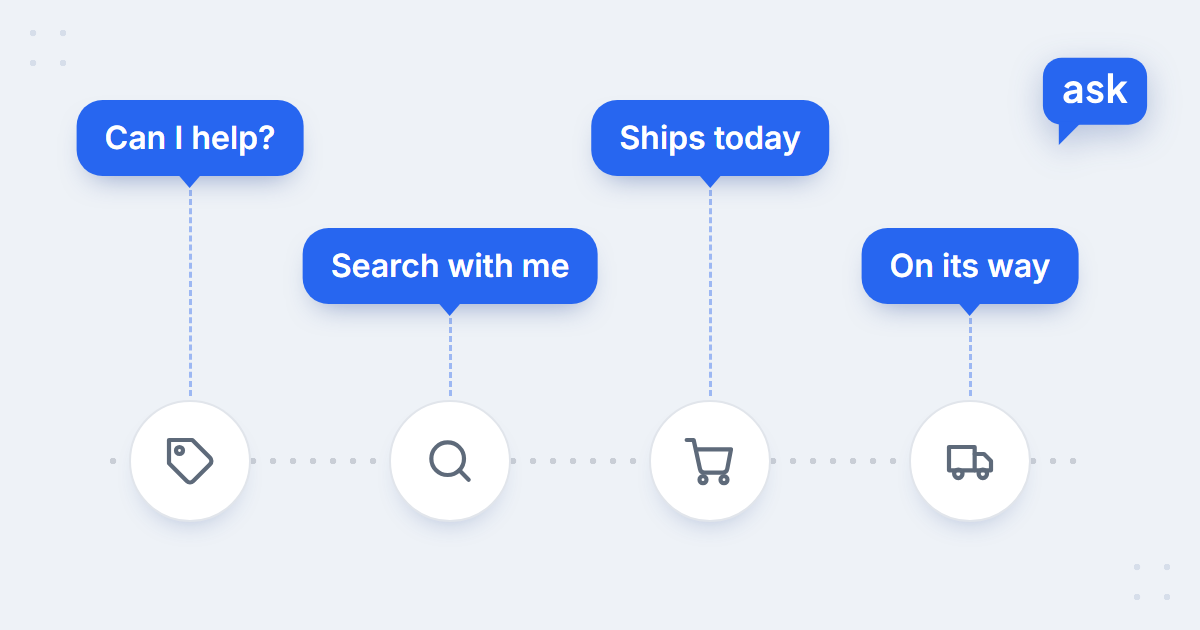
- Hesitation on a product page. A shopper has been looking at one product for a while: “Hi! Can I help you with this product?”
- A search with no results. The search bar came back empty: “Try searching with me” – and the shopper describes what they need in their own words.
- An out-of-stock product. Instead of a dead end: “Want me to find a similar product?”
- Last questions in the cart. Delivery, returns, sizes – answered before payment, plus matching accessories. More: why shoppers abandon carts.
- A blog reader. Someone reading a buying guide gets an offer of help choosing – or a reason to stay in touch.
- After hours. The team is offline, but the shopper still gets an answer – and if they need a person, a form that turns into a ticket for the morning.
All six are on-site moments an AI chat can handle on its own, with proactive messages set per page. For the wording of each message, see chat greeting examples for online stores.
After the purchase
- Shipping confirmation with tracking – the link the customer would otherwise ask for.
- A delay notice before the customer asks – with the new date and what you’re doing about it.
- A delivery-day reminder – when to expect the courier, or which locker to go to.
- A how-to-use guide after delivery – for products that need setting up.
- Return information up front – how and by when, before the customer has to search for it.
- Refund status – a note when the return arrives and when the money is on its way.
These usually go out as emails or text messages from your store platform or shipping tool – AskSpot doesn’t send them. What an AI agent adds is the answer to the follow-up question: when the customer replies “so when exactly will it arrive?”, the agent looks up the order and answers in the chat or in the support inbox (how AI answers “where is my order?”).
Proactive chat triggers: when the chat should open on its own
Proactive chat is the on-site part of proactive service: a message that opens on its own on a chosen page. Done well, it feels like a helpful salesperson; done badly, like a pop-up. Four settings make the difference:
- The trigger. Page type, a delay, the device, how far the shopper has scrolled – set to the moment that matters for that page.
- One message per page. Each worded for its page, not one line for the whole store.
- Desktop and mobile separately. A message that’s fine on a wide screen can cover the product on a phone.
- No chasing. If the shopper closes it, don’t follow them with a new one on every page.
These are the triggers worth setting up first – one message per page type, each with its own wording:
| Page | Trigger | Example message |
|---|---|---|
| Product page | The page opens, after a short delay | “Hi! Can I help you with this product?” |
| Search page | The page opens | “Hi! Need help finding a product?” |
| Search with no results | No results are shown | “Tell me what you need and I will search for you.” |
| Out-of-stock product | The page opens | “Want me to find a similar product?” |
| Cart | Products are in the cart | “Would you like to add accessories to your cart?” |
| Blog article | The page opens, after a delay | “Hey! I’ve got something for you!” |
Each message is switched on separately, for desktop and/or mobile, with its own delay. Scroll depth and other custom triggers are set up per store on request – see proactive sales.
A proactive message is a promise: “I can help right now.” It only works if something can actually answer – at 11 pm too.
How to automate proactive customer service with AI
The weak point of proactive chat has always been the follow-through: the message invites a question, and then nobody is there to answer it. An AI chat agent for e-commerce closes that gap. The chain looks like this:
- The proactive message opens on the right page at the right moment.
- The agent answers from your catalogue, policies and order data – at any hour, in the shopper’s language.
- A person steps in when the case needs one: through AskSpot’s built-in live chat or your own during service hours, or as a ticket with the conversation summarised when nobody is in.
 spot
See proactive chat on your store
Book a short demo – we’ll set up proactive messages on your product, search and cart pages.
The same goes for the support inbox: the AI Inbox Agent answers the questions that still arrive by email – often the follow-ups to your own shipping and delay messages.
How to measure proactive customer service
- Response rate – how many proactive messages get a reply. A low rate means the wrong page, the wrong moment or the wrong words.
- Resolution – how many of those conversations end with the question answered, without a handover.
- Sales – cart-adds and purchases from chats that started with a proactive message.
- Prevented tickets – fewer “where is my order?” and “has my refund gone through?” emails after you start sending updates.
Then read the conversations. Conversation analytics groups them by topic, so you can see which proactive messages lead somewhere and which only interrupt.
Five proactive service mistakes
- Interrupting too early. A message the second the page loads, before the shopper has seen anything.
- One generic message everywhere. “How can I help?” on every page says nothing about what you can help with.
- Promising a person at 11 pm. If nobody is in, say what happens next instead.
- No follow-through. A delay notice without a new date, or a chat invitation nobody answers.
- Too many messages. Proactive doesn’t mean constant – one well-timed message beats five.
For the case behind it all – why shoppers need answers outside office hours – see the case for 24/7 customer support.
FAQ
What is proactive customer service?
Reaching out to customers with help or information before they ask – at a moment you can predict they’ll need it, such as hesitation on a product page or a delayed delivery.
What is the difference between proactive and reactive customer service?
Reactive customer service waits for the customer to get in touch; proactive service reaches out first. Stores need both – proactive service prevents a share of the questions that reactive service would otherwise have to handle.
What are examples of proactive customer service?
Offering help on a product page, a chat prompt on a no-results search, an in-stock alternative on an out-of-stock page, answers in the cart, shipping confirmations with tracking, delay notices before the customer asks and refund status updates.
Is proactive chat annoying for shoppers?
Only when it’s generic, too early or everywhere. A short message worded for the page, shown at the right moment and not repeated after the shopper closes it, reads as help rather than a pop-up.
How do you automate proactive customer service?
Set proactive chat messages per page, let an AI agent answer the replies from your catalogue, policies and order data, and hand over to a person when needed. Shipping and delay updates come from your store platform; the agent answers the follow-up questions.