Key takeaways
- Agent assist drafts and prepares; a human agent reviews and sends. Nothing reaches the customer without a person’s OK.
- In an online store the value is in the data: a draft that already contains the real order status, the right policy and the customer’s language.
- It is usually a stage, not the end point: test mode, then draft mode, then automatic replies on the cases you trust.
- Measure how many drafts go out unchanged, time to first reply and CSAT – those numbers tell you when to automate.
What is agent assist?
Agent assist is AI that helps a human support agent while they handle a conversation. It reads the customer’s message, looks up the information needed to answer it and prepares a reply, a summary or a next step. The agent – the person – stays in charge: they check the draft, edit it if needed and send it. The term comes from call centres, where it meant real-time prompts during phone calls; in e-commerce it now mostly means AI-drafted replies in the email, helpdesk and marketplace inbox.
You may also see it called AI agent assist, AI copilot for support or AI-assisted replies. The idea is the same: the AI does the searching and typing, the human does the judging.
Agent assist vs AI agent vs canned responses
Three ways to speed up replies, often confused:
| Canned responses | Agent assist | Autonomous AI agent | |
|---|---|---|---|
| Who writes the reply | Someone, once, in advance | The AI, for this ticket | The AI, for this ticket |
| Who sends it | A person | A person, after review | The AI |
| Fits the specific case | Only after manual edits | Yes – uses the order, the policy and the customer’s words | Yes |
| Order data | Typed in by hand | Pulled in automatically | Pulled in automatically |
| Risk of a wrong message | Low, but replies go stale | Low – a person checks every reply | Depends on safeguards and scope |
| Best for | A small team, few repeat questions | Building trust in AI, sensitive cases | High-volume, well-understood cases |
They are not either-or. Many stores keep a handful of canned responses, let AI draft the rest, and switch the most predictable questions – like “where is my order?” – to automatic replies once the drafts have proved themselves.
What agent assist does in an e-commerce inbox
- Drafts the reply with real data. It checks the order in your store platform, the delivery status and your policies, and writes the answer – not a template with gaps to fill.
- Answers in the customer’s language. A customer writes in Czech, the draft comes back in Czech – a real help when one team covers several markets.
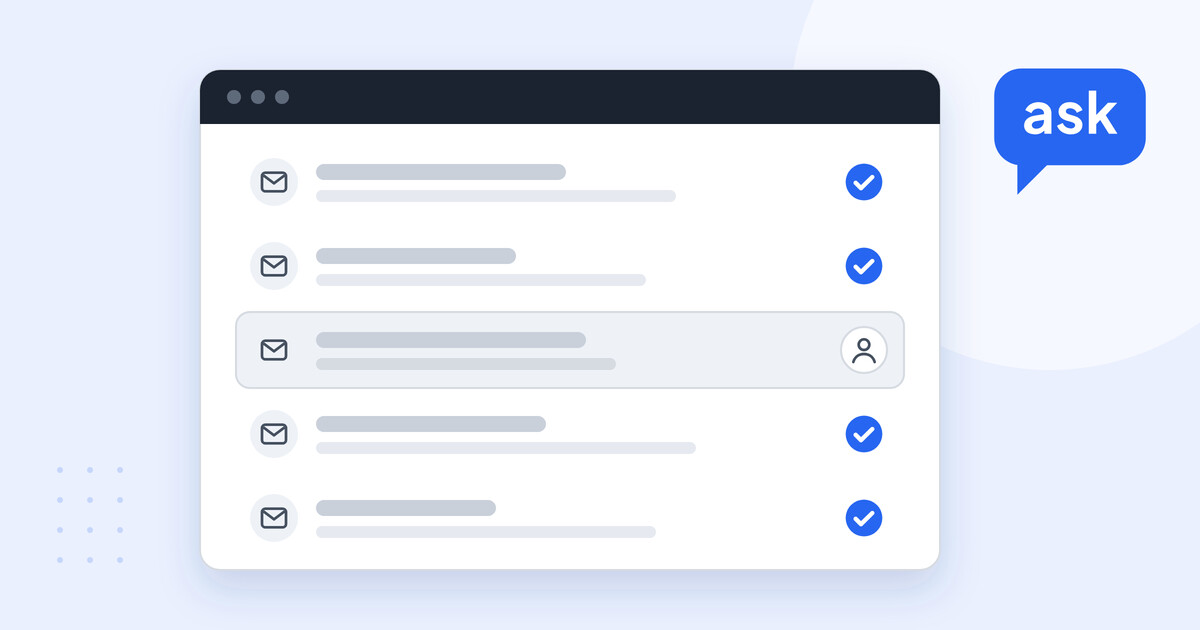
- Sorts the queue. It recognises what the ticket is about, tags it, sets priority and routes it to the right person – and filters out spam.
- Brings the context. Instead of the consultant opening the store admin, the courier site and the knowledge base, the information needed for this ticket is already in the draft.
- Learns your team’s way of replying. Drawing on your knowledge base and your team’s earlier replies, the drafts sound like your store, not like a generic AI.
Agent assist in practice: one ticket, start to finish
A customer writes to the support inbox:
“Hi, my order 10482 was supposed to arrive on Friday and it still hasn’t. Is it lost? I need it for the weekend.”
Before the consultant opens the ticket, agent assist has tagged it as a delivery question, checked the order and the shipment, and prepared this draft:
Hi Anna, sorry for the wait. Your order 10482 isn’t lost – it left our warehouse on 3 November and is at the courier’s local depot now. The courier expects to deliver it tomorrow, Saturday 7 November. You can follow it here: [tracking link]. If it doesn’t arrive tomorrow, reply to this email and we’ll sort it out straight away.
The consultant reads it, adds a line about a discount code for the delay and sends it. The search through three systems is gone; the judgement call – whether this customer deserves a gesture – stays with a person. That split is the whole point of agent assist.
How agent assist works inside your helpdesk
Agent assist only helps if it lives where your team already works. AskSpot’s AI Inbox Agent connects to helpdesks such as Thulium, Freshdesk and Zendesk and to marketplace inboxes such as Allegro and Amazon. The draft appears on the ticket in the tool your team uses every day.
Behind the draft are the same engines as the store’s chat: the knowledge base, the product catalogue and order lookup. You decide which queues, statuses and ticket sources it works on, and which actions it may take – for example setting a status or routing a ticket. It also learns from your team’s earlier replies, and that data stays inside AskSpot – it is never used to train third-party AI models.
The AI does the searching and the typing. Your team does the judging – and decides when the AI has earned the right to send on its own.
From agent assist to automation: test, draft, live
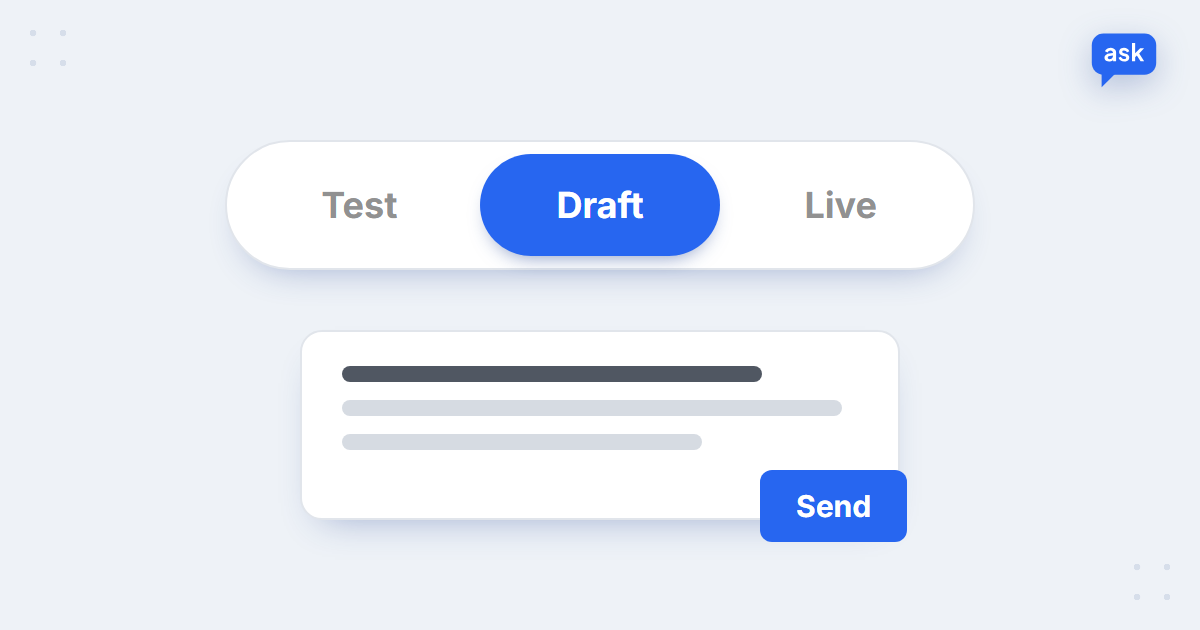
Nobody hands their support inbox to AI on day one, and nobody should. A safe rollout has three stages – the middle one is agent assist:
- Test mode. The AI answers real tickets inside the panel only. Nothing reaches customers; you see how it would reply.
- Draft mode. The AI writes a full draft on each ticket, and your consultant reviews, edits and sends. This is agent assist.
- Live. On the queues and case types you choose, the AI replies automatically. Everything else still goes to a person.
You move from one stage to the next per case type, not all at once – “where is my order?” might go live in week two while complaints stay in draft mode for good. More on the setup: test and draft modes.
See AI drafts on your own tickets
Book a short demo – we’ll connect the Inbox Agent in test mode and show you its drafts on real questions from your inbox.
How to measure agent assist
Four numbers tell you whether agent assist works and when a case type is ready for automation:
- Share of drafts sent without changes. The clearest signal of quality. When a case type is consistently sent as drafted, it is a candidate for automatic replies.
- Time to first reply and handling time per ticket. Compare the same case types before and after – not the whole inbox, whose mix changes from week to week.
- CSAT on assisted replies. Faster should not mean worse. Track satisfaction for these tickets separately – see how to measure CSAT.
- Resolution, not just replies. A ticket that comes back the next day was not solved. The difference is explained in deflection vs resolution rate.
When agent assist is enough – and when to automate
Agent assist is the right end point for cases where a human judgement adds value: complaints, damaged deliveries, B2B enquiries, refunds outside the rules, anything legal or medical. Speed matters there, but so does the decision.
Automation is the better choice for questions that come in often, always get the same kind of answer and need data rather than judgement: order status, delivery times, invoice copies, return instructions. If your team sends those drafts unchanged week after week, keeping a person in the loop only adds waiting time for the customer. Which cases to automate first is covered in customer service automation for online stores, and the bigger picture in AI customer service for e-commerce.
Start with AI that drafts. Let your team’s edits tell you what it can send on its own.
FAQ
What is agent assist in customer service?
AI that helps a human support agent handle a conversation: it reads the message, looks up the data and drafts a reply or next step. The person reviews, edits and sends – nothing reaches the customer without them.
What is the difference between agent assist and an AI agent?
With agent assist, a person sends every reply. An autonomous AI agent replies on its own on the cases it is allowed to handle. Many stores use both: assist for sensitive cases, automation for predictable ones.
Is agent assist the same as canned responses?
No. A canned response is written once, in advance, and edited by hand for each case. Agent assist writes a new draft for each ticket, using the customer’s words, the order data and your current policies.
Does agent assist work with my helpdesk?
It should work inside the tool your team already uses. AskSpot’s AI Inbox Agent works with Thulium, Freshdesk and Zendesk, and with marketplace inboxes such as Allegro and Amazon – see all integrations.
Can agent assist reply in other languages?
Yes. The draft is written in the customer’s language, which helps when one team covers several markets. For simple questions in languages nobody on the team reads, automatic replies are often the better fit.
When should we switch from agent assist to automatic replies?
Per case type, when your team keeps sending the drafts unchanged and CSAT holds. Predictable questions like order status usually get there first; complaints and exceptions often stay with a person.