Key takeaways
- Complaints are about one in ten support emails in an online store – and more than half of all support email arrives outside office hours.
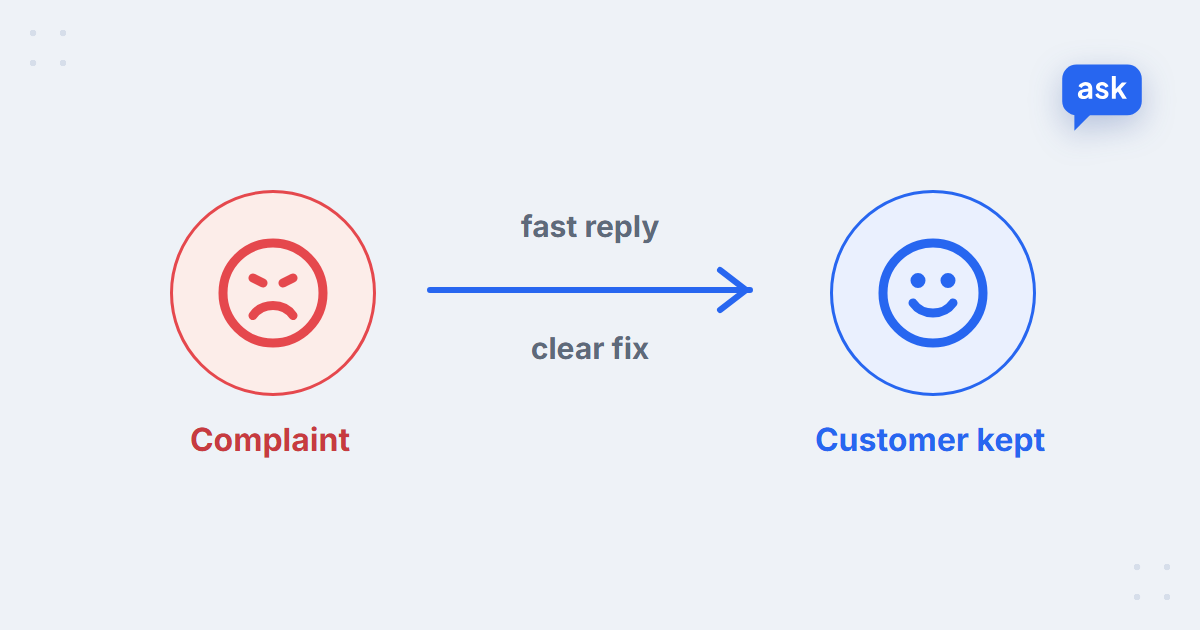
- The process that works: acknowledge fast, check the order, apologise for the specific thing, offer a clear fix, follow up, and fix the cause.
- Speed and specifics calm customers down; generic apologies and policy quotes make it worse.
- AI can reply instantly, look up the order, sort the complaint and draft the answer. Decisions on refunds, goodwill and angry customers stay with people.
- Track complaints by cause, not just by count – the same three causes usually account for most of them.
What counts as a customer complaint in e-commerce?
A customer complaint is any message in which a customer says the store didn’t deliver what it promised – the product, the delivery, the refund or the service – and expects it put right. In an online store most complaints fall into six types, and each one comes with something the customer actually wants:
| Complaint | What the customer wants | First move |
|---|---|---|
| Late or lost delivery | A date they can trust | Check the tracking, give the real status and a new date |
| Damaged item | A replacement or refund, without a fight | Ask for a photo, offer both options |
| Wrong item or wrong size | The right item, fast | Confirm what was ordered, arrange the swap |
| Not as described | To be taken seriously | Compare with the product page, offer a return |
| Refund not received | Proof it’s on its way | Check the return and refund dates, share them |
| “Nobody answered me” | A person who owns the case | Answer the original question first, then apologise for the wait |
Across the online stores running AskSpot’s Inbox Agent, this is how complaints sit in the support inbox:
9%
of support emails are complaints – returns add another 8%
66%
of support emails come after the purchase
53%
of support emails arrive outside Mon–Fri 9–17
Median store, AskSpot internal data, 27 Sep – 26 Oct 2026; topic shares are of tagged emails. More in AI chatbot statistics for e-commerce.
A complaint is rarely the biggest topic in the inbox, but it’s the one that costs the most when it waits. And more than half of support email arrives in the evening or at the weekend – exactly when nobody is there to answer. More on that gap in 24/7 support for online stores.
How to handle customer complaints: 6 steps
1. Acknowledge fast
The first reply matters more than the perfect reply. A short message within minutes – “we’ve got your message, we’re checking your order now, you’ll hear from us by [time]” – stops the second and third email and takes the heat out of the conversation. Give a time you can keep.
2. Find the order and the facts
Before writing the real answer, look up the order: what was bought, when it shipped, where the parcel is, whether a return or refund is already in progress. This is where many complaint replies go wrong – the agent answers the email, not the order.
3. Apologise for the specific thing
“We’re sorry for any inconvenience” sounds like a template because it is one. “I’m sorry the sofa arrived with a broken leg – that’s not how it should have reached you” shows you read the message. Apologise once, for the actual problem, and don’t argue about whose fault it was.
4. Offer a clear fix – with options
Say what you’ll do and by when. Where you can, give a choice: a replacement or a refund, a new delivery date or a cancellation. A choice gives back the control the customer felt they’d lost.
5. Confirm and follow up
When the fix is done – the replacement has shipped, the refund has gone out – send one short message to say so. A customer who gets that message has no reason to write again; one who has to chase it often complains a second time.
6. Log the cause and fix it at the source
Tag every complaint with its cause: courier, packaging, product description, sizing, stock, slow reply. Once a month, look at the top three. A clearer size guide or better packaging for one product line often removes more complaints than any reply template.
What to say – and what not to say
| Say | Avoid |
|---|---|
| “I’m sorry the parcel is late – here’s where it is now.” | “We apologise for any inconvenience caused.” |
| “You’ll have the replacement by Tuesday.” | “We’ll look into it.” |
| “Would you prefer a replacement or a refund?” | “According to our policy…” |
| “I’ve checked your order – it left our warehouse on Monday.” | “Please provide your order number” (when you already have it) |
| “I’ll stay on this until it’s sorted.” | “That’s the courier’s responsibility.” |
Reply examples for common complaints
Adapt them to your tone and fill in the [brackets]. Under each one: what to check before you send it. For everyday questions that aren’t complaints, see the 10 canned response templates.
Late delivery
Hi [name], I’m sorry your order is late – I know you were expecting it by [date]. I’ve checked: it’s with [courier] and the new delivery date is [date]. Here’s the tracking link: [link]. If that’s too late for you, reply and I’ll cancel the order and refund you straight away.
Check first: the tracking status and whether the courier has given a new date. More on this question in how AI answers “where is my order?”.
Damaged item
Hi [name], I’m really sorry – the [product] should never have reached you like that. Could you reply with a photo of the damage and the packaging? As soon as we have it, we’ll send a replacement or refund you – whichever you prefer – and arrange collection of the damaged one at no cost to you.
Check first: whether a replacement is in stock, so you don’t offer one you can’t send.
Wrong item or wrong size
Hi [name], sorry about the mix-up – you ordered [item/size] and received [item/size]. We’ll send the right one today, and here’s a prepaid label to return the wrong one: [link]. You don’t need to wait for the return to arrive.
Check first: the order line – was it our picking error or a wrong size chosen at checkout? The reply changes if it’s the second.
Refund not received
Hi [name], I’ve checked your return: we received it on [date] and sent the refund of [amount] on [date] to your [payment method]. Banks usually take [X] working days to show it. If it’s not on your account by [date], reply here and I’ll chase it with our payments team.
Check first: that the return has actually arrived and the refund has been issued – never promise a date you haven’t seen.
“Nobody answered me”
Hi [name], you’re right, and I’m sorry you had to write again. About your question: [answer]. I’m looking after this personally now, so if anything else comes up, just reply to this email and it comes straight to me.
Check first: the earlier messages – answer the original question in the same reply, not just the complaint about waiting.
Apology email templates
When the problem affected more than one order – a courier failure, a stock mistake, a site outage – or when a client relationship needs repairing, a stand-alone apology email works better than a line in a reply.
Apology email to a customer
Subject: We got your order wrong – here’s what we’re doing about it
Hi [name], your order [number] [what went wrong], and that’s on us. We’ve [what you’ve already done – sent the right item / issued the refund]. As a thank-you for your patience, here’s [goodwill gesture, if any]. If anything else isn’t right, reply to this email – it comes straight to our team.
Apology for a delay
Subject: Your order is running late – new date inside
Hi [name], we’re sorry: your order [number] won’t arrive by [original date] because [short reason]. The new expected date is [date]. If that doesn’t work for you, you can cancel for a full refund with one reply. We’ll email you again the moment it ships.
Apology letter to a business client
Dear [name], I’d like to apologise for [the problem] with your order [number] on [date]. It shouldn’t have happened, and I understand it affected [their business impact]. We have [the fix], and to prevent it happening again we’ve [the change you made]. I’ll call you on [date] to make sure everything is in order. Kind regards, [name, role, direct contact].
How to handle an angry customer
- Answer the problem, not the tone. Capital letters and exclamation marks are frustration, not an attack. Reply to the facts.
- Repeat back what happened. “So the order came two days late and the box was damaged” shows you understood without the customer having to say it again.
- Don’t defend the policy first. Explain the rule after you’ve offered what you can do, not instead of it.
- Move channels when email isn’t working. After two heated emails, offer a call – a call often settles in minutes what email drags out for days.
- Escalate early. Threats of chargebacks, legal action or public posts go to a senior person the same day.
Complaint deadlines and refund rules depend on consumer law where your customer lives, so check the local rules for each market you sell in.
What AI can take over – and what stays with people
Most of the work in a complaint isn’t the apology – it’s the lookup and the waiting. That part an AI Inbox Agent can do: it reads the email, finds the order, recognises what kind of complaint it is and drafts a reply with the real details, in the tone it learns from your team’s past replies. In chat, the Chat Agent answers delivery and order questions on the spot, before they turn into complaints.
| AI agent | Your team |
|---|---|
| Replies at any hour, so nobody waits until Monday | Decides on refunds, replacements and goodwill gestures |
| Looks up the order, tracking and return status | Handles angry customers and threats of chargebacks |
| Recognises the complaint type and routes it | Handles legal disputes and anything unusual |
| Drafts the reply with the order details filled in | Reviews and sends drafts, or lets routine ones go automatically |
| Hands over to a person with a summary | Fixes the causes behind repeat complaints |
 spot
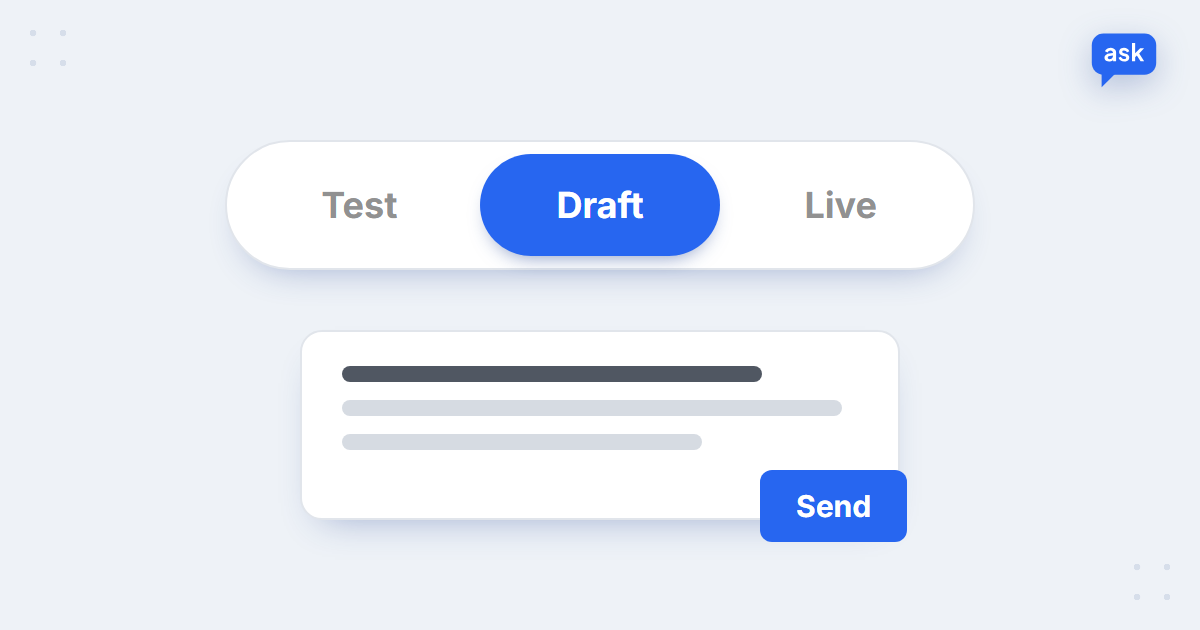
Start in draft mode: the AI writes every reply, your team checks and sends it. Complaints are the last thing to switch to automatic – you can keep them in draft mode for good and let the AI answer only the routine questions on its own. When a case needs a person, the agent hands it over with a summary, so the customer never has to explain it twice.
See AI draft replies to your own complaints
Book a short demo – we’ll show the Inbox Agent reading your emails and drafting replies with the order details filled in.
How to measure complaint handling
- Complaint rate – complaints per 100 orders, by cause. The trend matters more than the number.
- Time to first reply – minutes, not hours, including evenings and weekends.
- Time to resolution – from the first email to the fix being confirmed.
- Repeat complaints – customers who had to write again about the same problem.
If AI handles part of the inbox, count the complaints actually solved, not just the ones that got an answer – see deflection vs resolution rate. For the wider picture of what to automate and what to keep with people, read AI customer service for e-commerce; if you’re weighing an outside team for the extra hours, outsourcing vs an AI agent compares the costs.
FAQ
How do you handle customer complaints?
Acknowledge the complaint quickly, look up the order and the facts, apologise for the specific problem, offer a clear fix with a choice where possible, confirm when it’s done, and log the cause so it doesn’t happen again.
What are the steps of customer complaint resolution?
Six steps work for most online stores: acknowledge, investigate, apologise, fix, follow up and fix the root cause. The last step is the one most teams skip, and it’s the one that reduces the number of complaints over time.
How quickly should you respond to a customer complaint?
Acknowledge it within minutes if you can, and give a time for the full answer. The full reply should follow the same day. Consumer law in some countries also sets a deadline for formal complaints, so check the rules in your markets.
How do you write an apology email to a customer?
Name the specific problem, take responsibility without blaming the courier or the customer, say what you’ve already done to fix it, offer a goodwill gesture if it’s appropriate, and give one clear way to reply.
How do you handle an angry customer?
Reply to the facts rather than the tone, repeat back what happened, offer what you can do before explaining the policy, move to a phone call if email isn’t working, and escalate threats of chargebacks or legal action to a senior person the same day.
Should AI answer customer complaints?
AI can acknowledge a complaint instantly, look up the order, recognise the type and draft the reply. Decisions on refunds and goodwill, and conversations with angry customers, should stay with people. You can keep complaints in draft mode, where the team reviews every AI reply before it’s sent.