How to add the AskSpot chat to a mobile app

You can put the AskSpot chat inside your mobile app with a WebView. All it takes is a small HTML page that loads the AskSpot script, hosted somewhere you control and pointed to from a WebView component. This guide shows the page, the script, and how to detect when the chat closes.

Key takeaways

  • Embed the chat in a WebView – a simple hosted HTML page that loads the AskSpot script.
  • The script URL carries your project ID; add ?open=true to open the chat on load.
  • You can listen for chat_closed to react when the user closes the chat.
  • Swap the example IDs for your own project and assistant IDs from AskSpot.

What this does

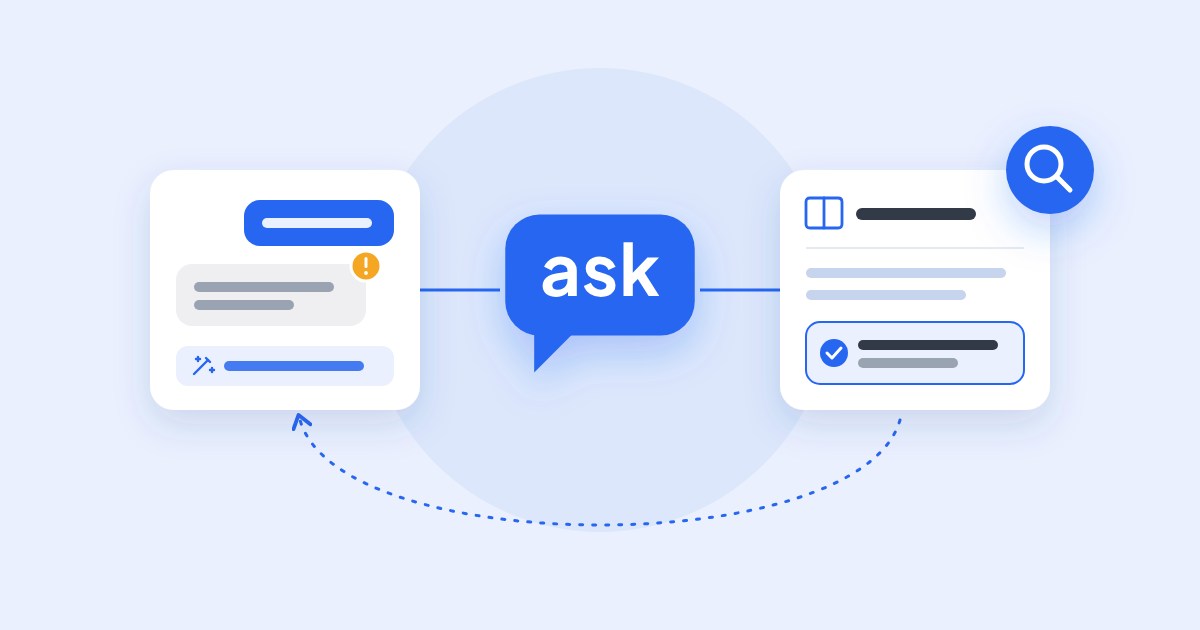
A WebView shows a web page inside your native app. By pointing it at a small page that loads the AskSpot chat, your app users get the same assistant your website has – without a native SDK. You host one HTML file and reference it from the WebView.

Before you start

  • Your AskSpot project ID and assistant ID (from AskSpot).
  • Somewhere to host a small HTML file, and a WebView in your app.

Step 1 – Create the HTML page

Make a simple HTML page that loads the AskSpot embed script. Adding ?open=true opens the chat as soon as the page loads – which is usually what you want inside a WebView:

<script crossorigin="*" async src="https://chat.askspot.io/api/v1/integration/<your-project-id>/embed-script?open=true"></script>

Host this page somewhere you control.

Step 2 – Point your WebView at it

In your app, set the WebView’s URL to the page you just hosted. That is enough to show the chat in the app.

Step 3 – (Optional) Detect when the chat closes

If your app needs to react when the user closes the chat – for example to hide the WebView – listen for the chat_closed event:

AskWidget["<your-assistant-id>"].addEventListener("chat_closed", (event) => {
  console.log("chat closed", event);
});

Swap in your own IDs. Replace <your-project-id> in the script URL and <your-assistant-id> in the listener with the IDs from your AskSpot account – they identify your project and the specific assistant.

This mobile setup is part of a custom integration – see that page for the full picture.

Do I need a native SDK?

No. The chat runs in a WebView pointed at a small HTML page that loads the AskSpot script – no native SDK required.

How do I open the chat automatically?

Add ?open=true to the embed-script URL, so the chat opens as soon as the WebView loads the page.

Where do I get the project and assistant IDs?

From your AskSpot account. The project ID goes in the script URL; the assistant ID is used in the chat_closed listener.

LinkedIn

Written by

AskSpot Team

AskSpot builds AI Chat and Inbox Agents for e-commerce: on-site product advice and 24/7 support across email, chat and marketplaces, in 200+ languages.

Case studies

Real results for e-commerce stores

See how online retailers use AskSpot to automate conversations, reduce support workload and grow sales.

All case studies

Morele.net

How Morele.net cut customer service costs by 90%

Morele.net cut support costs 90%, from 50 agents to 5. AskSpot resolves 65% of its 37,600 monthly chats with no human and answers Allegro questions too.

Read the story →

Militaria.pl

How Militaria resolves 72% of chats in 8 languages

Militaria.pl runs AskSpot across three domains in eight languages: 61% recommendation click-through, 26% add-to-cart after a chat, 72% resolved with no human.

Read the story →

4FIZJO

How 4FIZJO resolves 61% of customer chats with AI

AskSpot's AI Chat resolves 61% of 4FIZJO's 21,360 monthly chats with no human across 6 markets; its Inbox Agent auto-resolves 25% of email tickets.

Read the story →

Meblobranie

How chat advice puts €1.9M of garden furniture in baskets a month

Meblobranie's AskSpot agent answers the questions garden furniture is bought on – size, colour, anchoring, spare nets. Chat advice puts €1.9M into the cart a month, 20% of chats fill a basket, 70% resolved.

Read the story →

Szopex

How one AI agent runs across Szopex’s three retail brands

One AskSpot agent runs across Szopex's three storefronts – Sklep Biegacza, Warsaw Sneaker Store and SKStore – on three e-commerce platforms. 67% of chats resolved, 58% product CTR, 11.7% end in a purchase.

Read the story →

moderno.dk

How moderno.dk resolves 64% of furniture chats with no human

moderno.dk's AskSpot agent resolves 64% of furniture questions with no human – delivery, sizing, stock and order changes – and turns 12.3% of chats into carts.

Read the story →

16case studies

See every story

Every merchant we have measured – what shoppers asked, what the agent did, and the numbers it moved.

Browse them all →

Ready to make every conversation sell?

Book a demo and see AskSpot on your own catalog. Onboarding takes a few days.