Key takeaways
- Open it with the Help center button in the top-right corner of the panel.
- Describe a change in plain words – it points to the right place in the panel, saves the rule and suggests a question to test it.
- It can build your knowledge base from your website and check the current one for outdated information.
- From Analytics, it analyzes a weak conversation and proposes the fix.
- Every accepted fix teaches your Agent; supported changes can be undone within 6 hours.
What the Help center is
The AI Chat Agent and the AI Inbox Agent keep gaining skills and configuration options, and every one of them is another tab or toggle in the panel. The Help center is a shortcut through all of it: an assistant inside partners.askspot.io that knows where each setting lives. You tell it what you want the Agent to do differently, and it handles the panel side.
Where to find it
Log in to partners.askspot.io and click Help center in the top-right corner to open the chat.
Change how your Agents behave
Write the change the way you’d explain it to a colleague – for example “don’t recommend outlet products”. Or paste your current returns policy and ask to add it to the knowledge base. The Help center then:
- points to the place in the panel where that setting lives,
- saves the rule,
- suggests a question you can ask in Test chat to check the result.
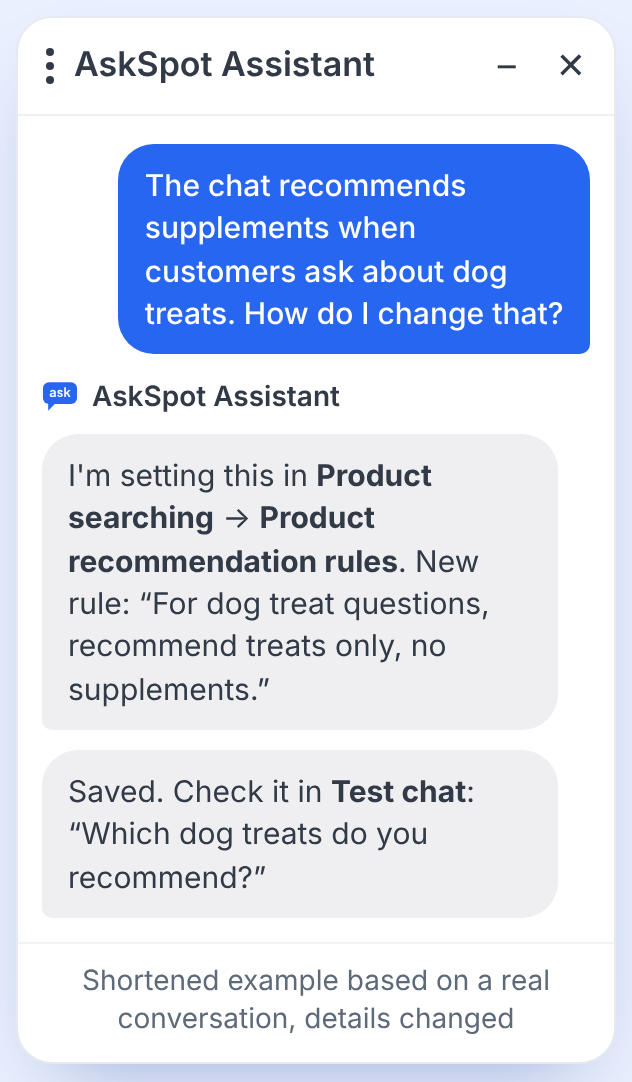
Product recommendation rules like this one shape how the Agent advises shoppers – see AI product search.
The Help center also helps you set up automations – instruction scenarios such as a custom cancellation flow, and the AI Inbox Agent’s rules for ticket statuses and routing – and guides you through the partner panel while you do it. See Actions & automations.
Fill in your knowledge base more easily
The knowledge base is where your Agents’ answers come from, so it pays to keep it complete and current. In the Help center you can:
- ask it to build a knowledge base from your website,
- ask it to check your current knowledge base for outdated information,
- attach a PDF or another document – it pulls out the details, splits them into question-and-answer entries and adds them to the knowledge base.
Fix a conversation that needs improvement
When an answer in a real conversation wasn’t good enough, start from that conversation:
- Go to Analytics and click Open conversation on the one you want to check.
- In the conversation details, find the Analyze the conversation card and click Analyze.
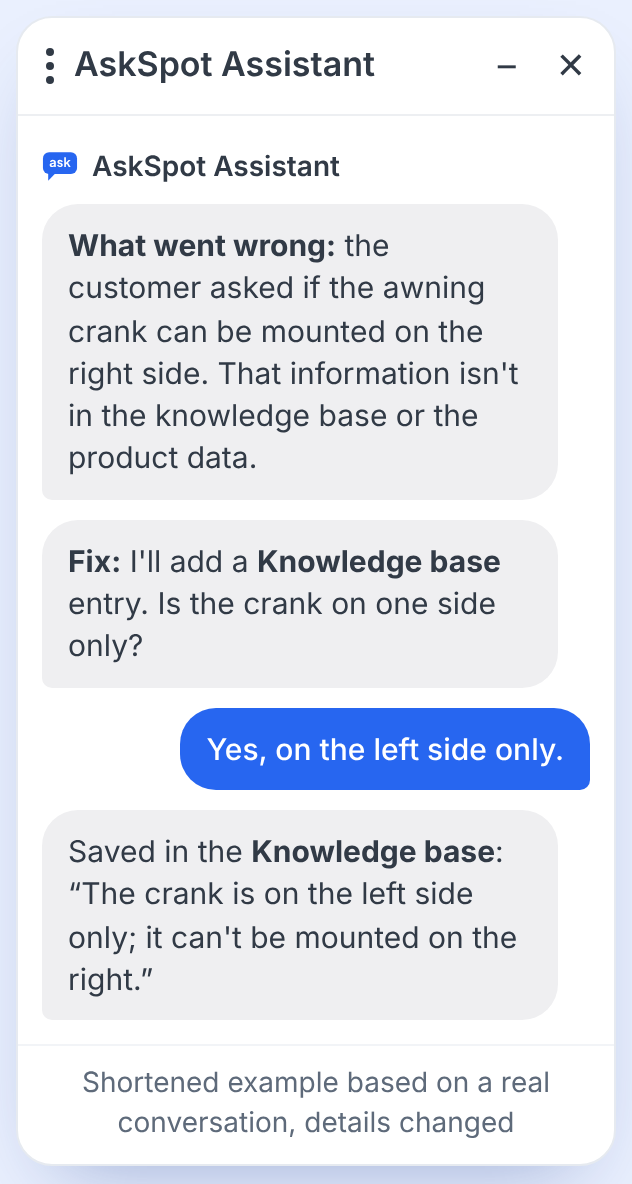
- The Help center explains why the Agent answered the way it did and suggests a fix in the knowledge base or the instructions.
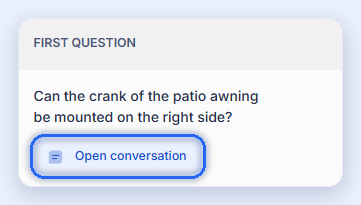
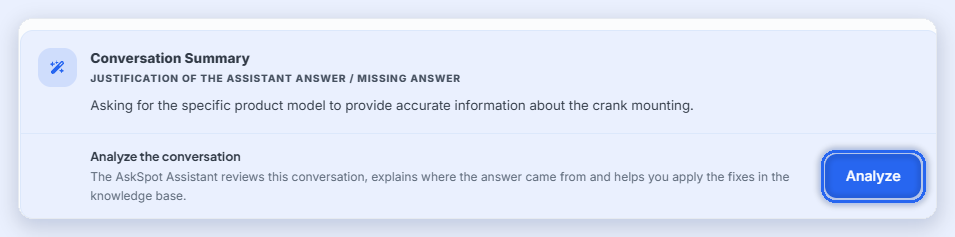
If the answer failed because a fact is missing, the Help center asks you for it and saves it as a knowledge base entry – so the next shopper with the same question gets the right answer.
The conversation list and the per-conversation summary are part of Analytics & reporting.
See what was saved – and undo it
The Help center shows the changes it made, so you always know what is now different. If a change isn’t what you wanted, you can ask it to undo supported changes it made within 6 hours.
Keep secrets out of the chat. Enter passwords and API keys directly in the panel forms, not in the conversation with the Help center.
It learns from every fix
Each time you analyze a conversation and accept a fix, your Agent learns: the missing fact or the corrected rule is saved, and the next shopper with the same question gets the better answer. You stay in control – the analysis runs when you start it, not on its own.
AskSpot also analyzes every Help center conversation and uses them to add new capabilities, so that managing your Chat and Inbox Agents stays as simple as possible.
Where is the Help center in the panel?
In the top-right corner of partners.askspot.io – click the Help center button and the chat opens.
Can I undo a change the Help center made?
Yes, for supported changes: ask it to undo the change within 6 hours of making it. It also shows what it saved, so you can review the change first.
Can I give it an API key or a password?
No. Enter passwords and API keys directly in the panel forms, never in the conversation.